
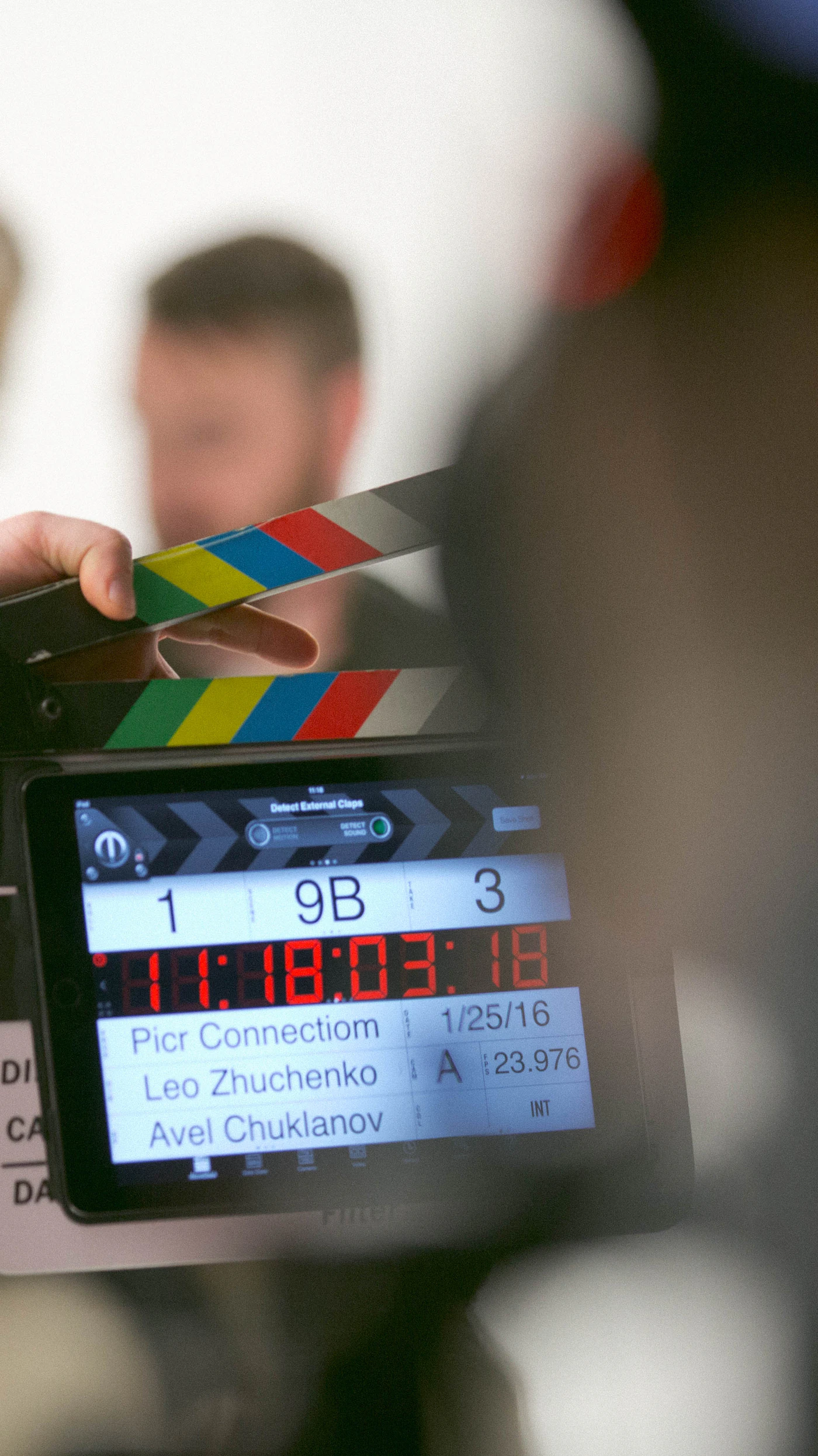
Picture two pieces of video that reach your screen on the same evening. One was recorded in a spare room, trimmed on a phone and posted before dinner. The other took a crew most of a day to shoot and several more days to finish. On a small screen, at a glance, they might even look alike. Watch for ten minutes, though, and the difference begins to show in the shadows, in the voices and in the rhythm of the cuts.
This feature follows one production day from the first planning notes to the last color pass, and places each stage next to the way a casual upload is usually made. The aim is not to call one approach good and the other bad. Plenty of casual video is charming precisely because nobody planned it. The aim is to show where studio quality actually comes from, so you can judge how much it matters to the way you like to watch.
Throughout, "quality" means things you can observe and check: exposure that holds, speech you can follow without touching the volume, framing that stays put, color that matches from shot to shot. It is not a verdict on anyone's taste.
Before Anyone Touches a Camera
A studio day begins long before call time. Days or weeks earlier, a producer and a director break the piece into scenes and write a shot list: which moments need a wide frame, which need a close-up, and where the camera will stand for each one. A call sheet then tells every crew member when to arrive, which room is in use and what gear must be ready.
That paperwork sounds dull, but it is what lets a team move quickly once the lights are on. Nobody is guessing about the next setup, and the equipment for it is already charged, labelled and waiting by the door.
A casual upload usually skips this stage. The idea arrives, the phone comes out and recording starts. That spontaneity is part of the appeal, yet it also means framing, location and timing are decided on the spot, and whatever goes wrong stays in the file.
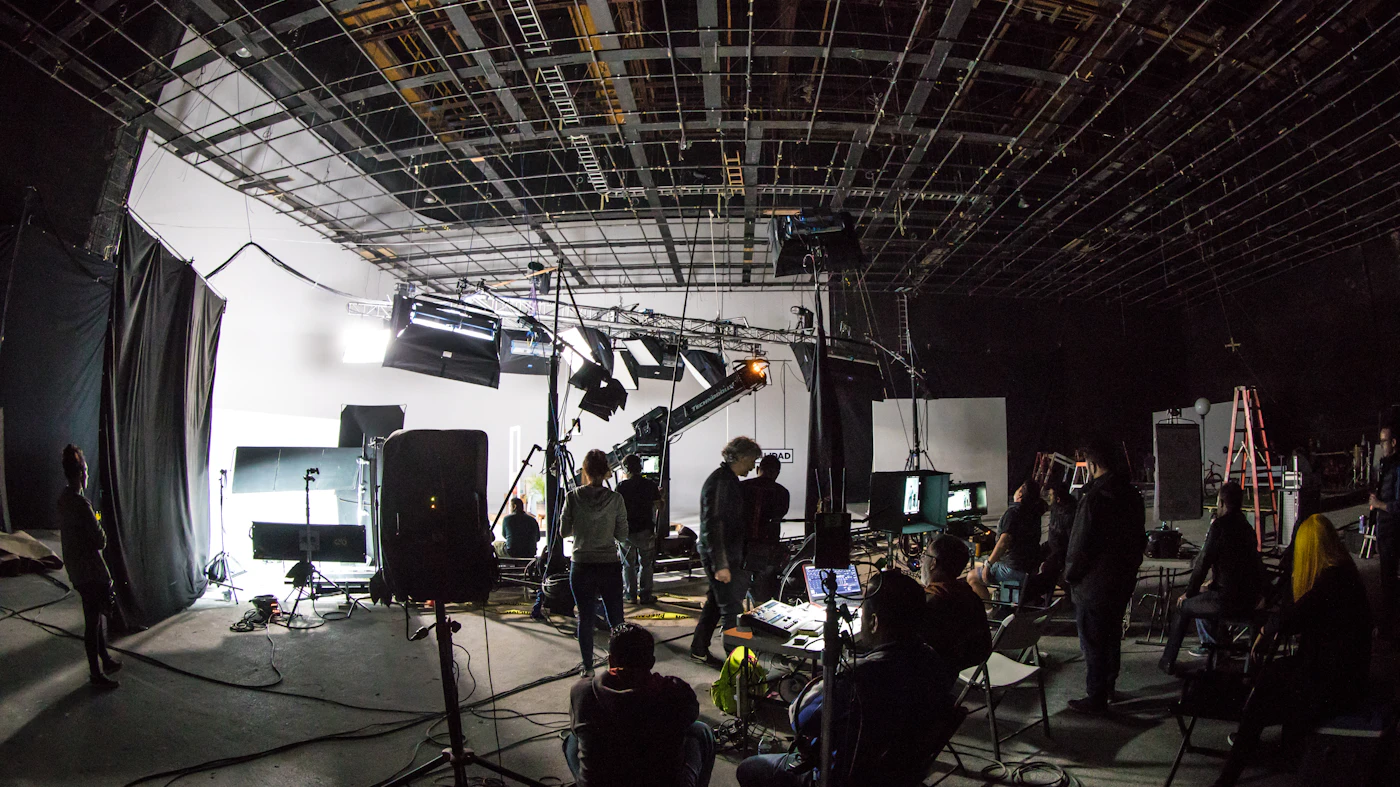
Mid-Morning: Building the Light
Once the room is dressed, the lighting crew takes over. The usual starting point is three sources: a key light that does most of the work, a softer fill that lifts the shadows on the opposite side, and a back light that separates the subject from the background so the picture has depth.
Each light is then shaped with diffusion, flags and dimmers until skin, fabric and set pieces all hold visible detail. The goal is a frame where nothing sinks into flat black and nothing glows into pure white, because detail lost at this point cannot be rescued later. Studio crews pair this with cinema cameras that capture a wide dynamic range, giving the image more usable information between its darkest and brightest areas.
In a casual recording, the light is whatever happens to be in the room: a ceiling fixture, a window, a lamp in the corner. Phone cameras are clever at compensating, but they compensate by guessing, which is why faces change brightness as someone moves and one side of the room turns murky grey.
Late Morning: Getting the Sound Right
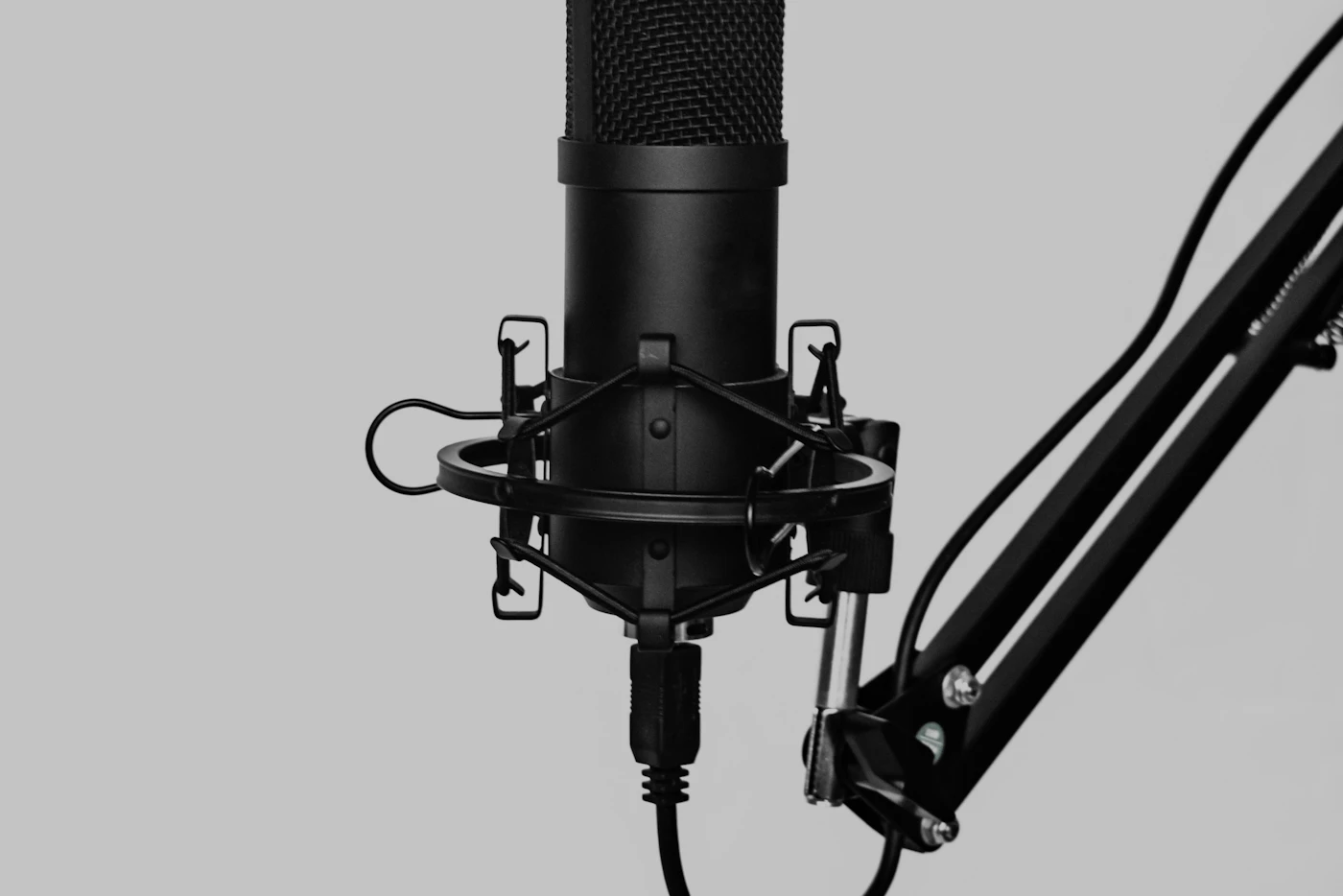
Sound is checked before a single take is rolled. A studio room is normally treated with absorbent panels, so voices do not bounce off bare walls. Directional microphones are placed just outside the frame and aimed at whoever is speaking, while a sound recordist watches levels and listens on headphones for hum, rustle or passing traffic.
Each voice is usually captured on its own track. That separation pays off later, because an engineer can clean, balance and level every source without disturbing the others.
A phone or webcam records everything through one small built-in microphone, often several feet from the speaker. It hears the fridge, the echo and the dog next door with roughly the same priority as the voice. Viewers will forgive a soft picture far sooner than audio they have to strain to follow.
Afternoon: Shooting for Coverage
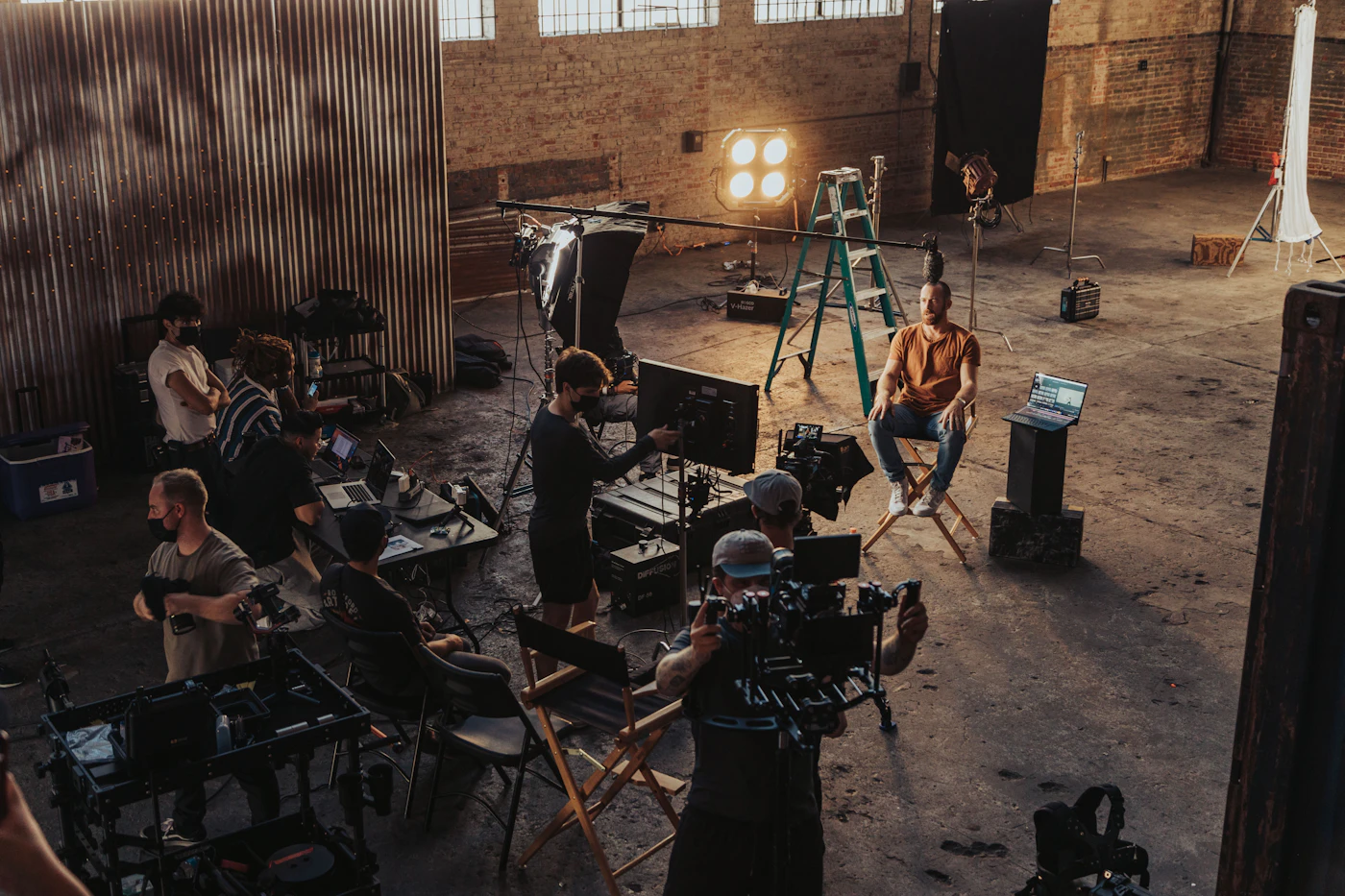
With light and sound locked, the crew starts rolling. Each scene is typically filmed more than once and from more than one position: a wide shot to establish the space, medium shots for movement, close-ups for detail. Crews call this coverage, and its whole purpose is to give the editor choices.
Between takes, someone keeps track of continuity, checking that props, positions and eyelines match, so that shots recorded an hour apart can sit side by side without a visible jump.
Casual recordings are normally one continuous take from a single angle, often hand-held. If the framing drifts or someone steps out of shot, there is no other angle to cut to, and editing is limited to trimming the start and the end.
Shot list · Scene 3
- 3A Wide, locked off, establishes the room
- 3B Medium, follows movement left to right
- 3C Close-up, reaction on the line
- 3D Insert, hands and props
- 3E Reverse angle for the reply
Continuity notes checked after every take
The Days After: Cutting the Story Together
When filming wraps, the footage moves to an editor. Working on a multi-track timeline, the editor picks the strongest takes, places cuts on movement or natural pauses, and builds a pace that holds attention across a long running time. The separate audio tracks are mixed so dialogue sits at a steady, comfortable level from start to finish.
Good editing is mostly invisible. When it works, a long piece feels like one coherent flow rather than a string of fragments stitched together.
On the casual side, editing, when it happens at all, takes place in a phone app within minutes of recording. Cuts land wherever the recording stopped, and audio levels jump from one clip to the next.
Last Pass: Color Grading and Delivery
Finishing is the quietest part of the process and one of the most important. A colorist matches contrast, white balance and saturation across every shot so a scene looks like one place at one time, even if it was filmed over several hours on different cameras. Small distractions are cleaned up, uneven movement is stabilised, and the final file is exported in formats that suit both large and small screens.
Casual uploads usually go out with the phone's automatic processing and perhaps a filter. That can look fine on its own, but it rarely holds steady across a whole session.
Signs of a finished file
- Exposure holds across shots in a scene
- Speech stays clear at one volume setting
- Framing is steady unless movement is intended
- Color matches from angle to angle
- Cuts follow the action instead of interrupting it
The Same Day, Side by Side
Stage
Planning
Lighting
Sound
Coverage
Editing
Finishing
On a studio set
Shot list and call sheet prepared in advance
Key, fill and back light shaped for detail
Treated room, directional mics, separate tracks
Several takes from several angles
Multi-track timeline, mixed dialogue
Color matched, stabilised, exported per screen
In a casual upload
Decided in the moment
Whatever light is in the room
One built-in microphone
One continuous take, one angle
Trimmed in an app, levels vary
Automatic processing or a filter
Where a Curated Library Fits In
Most free-to-view video sits on open, ad-supported platforms where almost anyone can upload. That openness brings enormous variety, but quality changes from file to file, and pages may carry pop-ups, previews and redirects around the player. A viewer who cares about light, sound and editing ends up doing a lot of sorting.
A curated library reverses that arrangement. Titles are checked against technical criteria before they are listed, so the whole collection follows one standard. The membership featured on this page takes that approach: a paid plan opens a catalog of curated media titles with high-definition playback, formatted for desktop computers, mobile screens and VR headsets.
According to the provider, the interface is kept simple and built around viewer choice and privacy. Registration comes with several account setup options, and billing details are shown in full at checkout, so you can read them before you commit to anything.
If the stages described above are what you notice when you watch, a library that applies them as a standard may suit you. If you prefer breadth and spontaneity, open platforms will keep serving that well. Either way, the provider's details are worth reading on their own terms.